I recently upgraded to Snow Leopard and wanted to download iPhone SDK, since Dialog GSM has really cheap bandwidth, I got a 2 hours on my Kit Broadband package. I’m using a Huawei E1550 but unfortunately the Mobile partner that came with the dongle didn’t work on Snow Leopard. With a bit of Googling I came across Huwaei Device site and downloaded Dashboard for Mac OS X 10.6 and unzipped it and then unzipped MAC-V100R001B301D11SP00C03.zip (only zip file in the downloaded zip file). The ISO file needs to be mounted with Disk Utility and not the Disk Image mounter.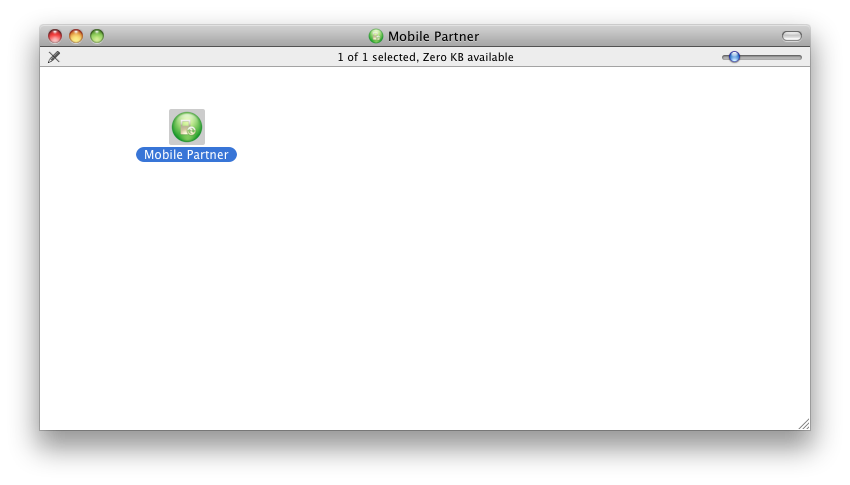

Then the familiar Mobile partner will open up, and follow the instructions on the screen.
Hope this helped someone in a similar situation :)